










TL;DR – Cool vector designs make it possible to use clean images that are flexible and scalable, and could be used for just about any material, including social media posts, ad designs, packaging designs, and more.
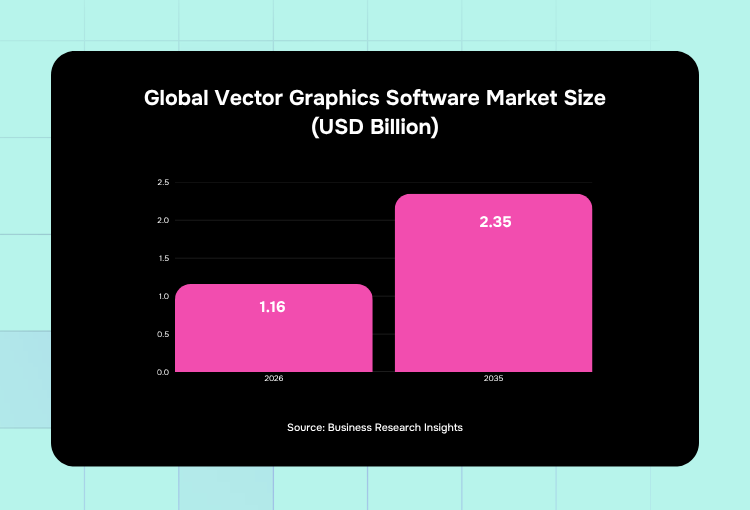
If you’re looking for graphics that offer precision and control, vector designs are your best bet. Because of its versatility, it’s not surprising that the global vector graphics software market size, valued at $1.16 billion in 2026, is expected to double to $2.35 billion in 2035.
In this article, let’s discuss what vector designs are and look at examples of free vectors to inspire your project. We’ll also look at the top tools and answer frequently asked questions. Let’s dive right in!
What are Vector Designs?
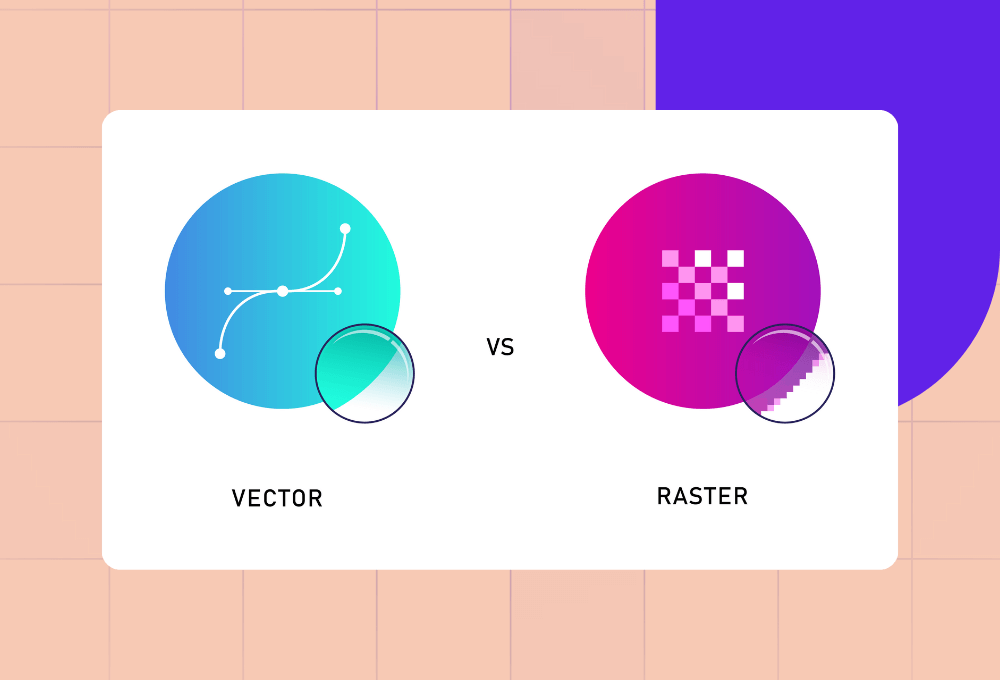
Vector designs are graphic designs that use mathematical paths instead of pixels. That means vectors use elements that can be resized without losing quality, such as lines, curves, and shapes.
The common file formats of vector designs are:
- SVG
- AI
- EPS
As opposed to raster images like JPGs and PNGs, vectors stay sharp no matter how large or tiny you adjust them:
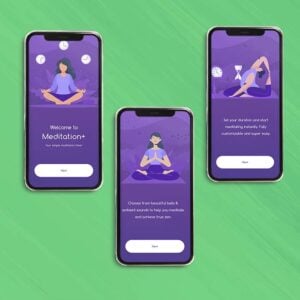
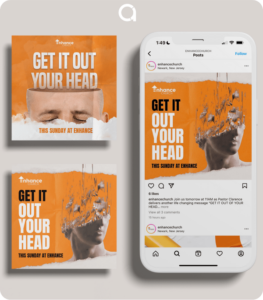
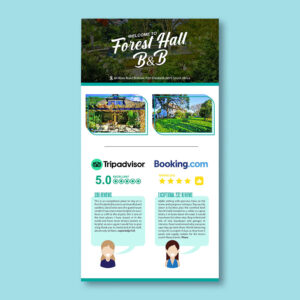
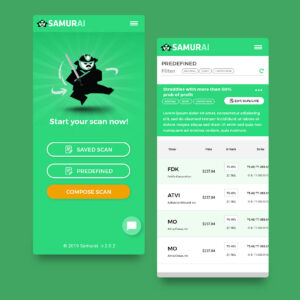
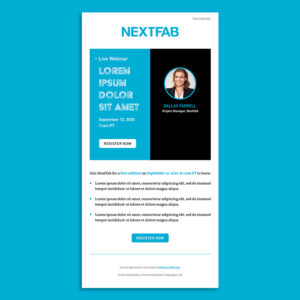
Because of this flexibility, brands use vector design services to create logos, icons, and illustrations.
Professional design services by the world's top 1% designers
Unlimited graphic design at a flat monthly rate
When Should Vector Designs be Used?
You can use creative vector designs for any project, but especially when scalability matters:
- Graphics like logos that you’ll need to use for a wide variety of materials, from business cards to billboards
- Images that may need frequent edits, like UI or marketing design, vectors are easier to tweak than raster images
Take note, though, that vectors are not ideal for complex textures or detailed photography. In those cases, rasters work best.
What are the Business Usages of Vector Designs?
Here are a few common uses of vector designs for businesses:
- Branding design (logos, icons, visual systems, etc.)
- Marketing design (infographics, email templates, etc.)
- Packaging design (Labels, mockups, print-ready files, etc.)
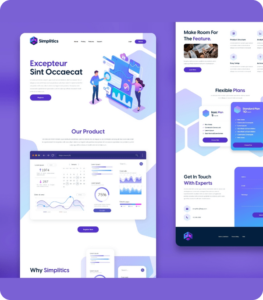
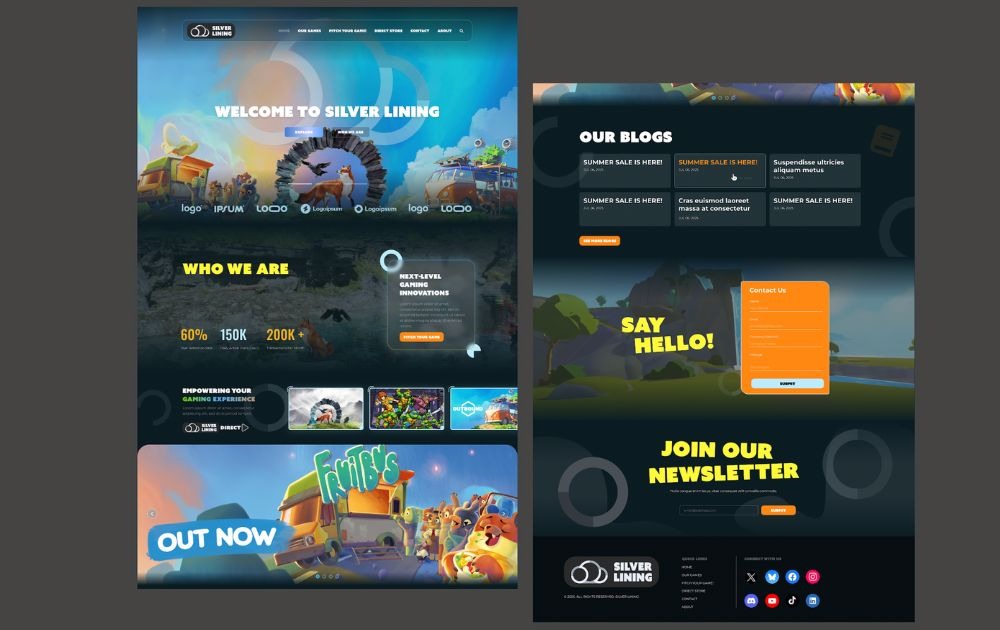
- Web and app design (UI elements, icons, etc.)
What are Examples of Vector Design Styles?
Here are some examples of free vector designs, how you can use them for business, and actionable tips.
1. Realistic Coffee Vector Set
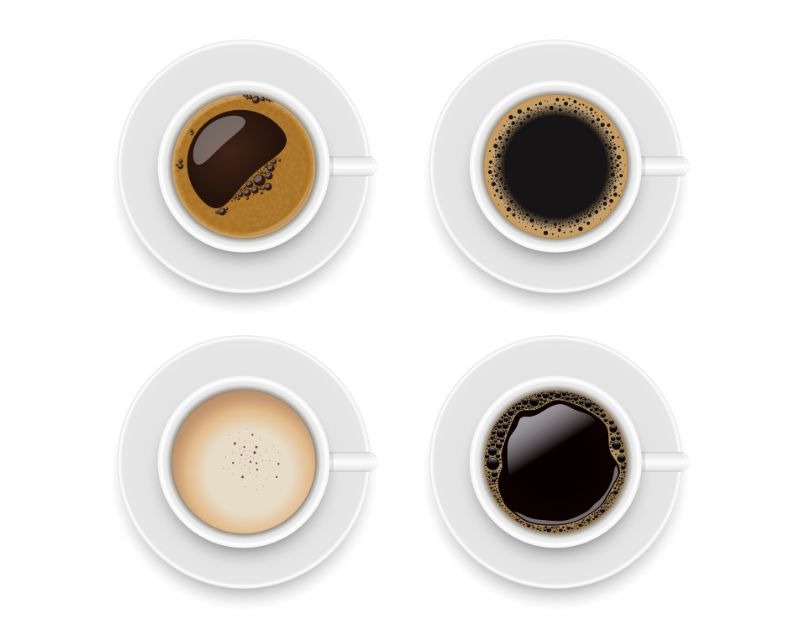
This Coffee Cup Vector by Vecteezy features top views of coffee with foams, textures, and reflections.
- How businesses could use it: Cafes and coffee brands can use these to incorporate in their packaging design or social media posts.
- Actionable tip: Stick to your brand color palette for a customized feel.
2. Colorful Step-by-Step Infographic
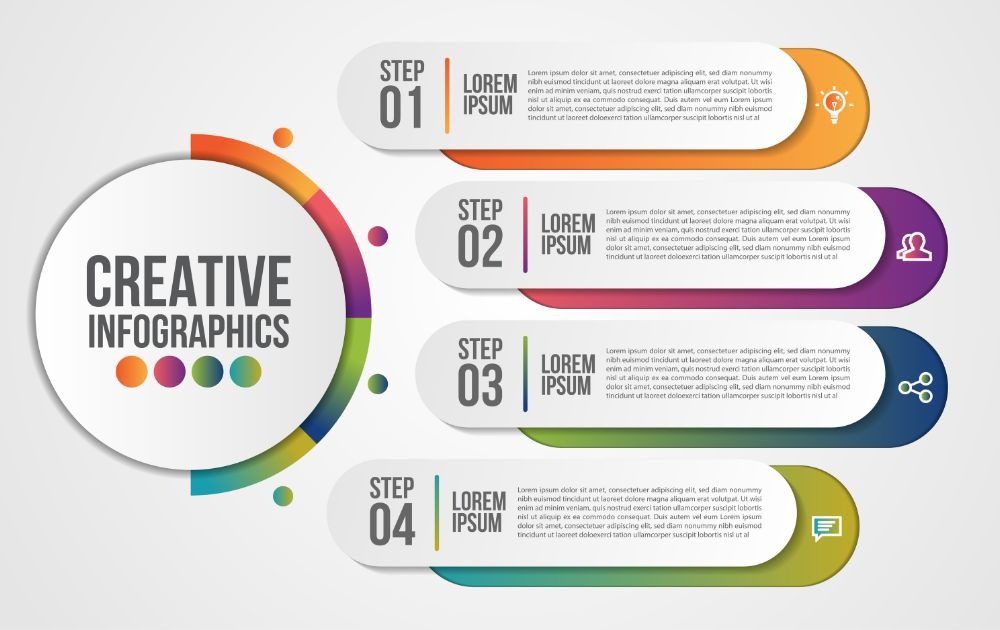
If you’re looking for a template to use for step-by-step instructions, this Infographic Vector by Vecteezy can be a quick vector to use.
- How businesses could use it: Marketers or educators can use this vector to easily present instructions or tutorials.
- Actionable tip: Use icons to further drive your message forward.
3. Modern Business Card
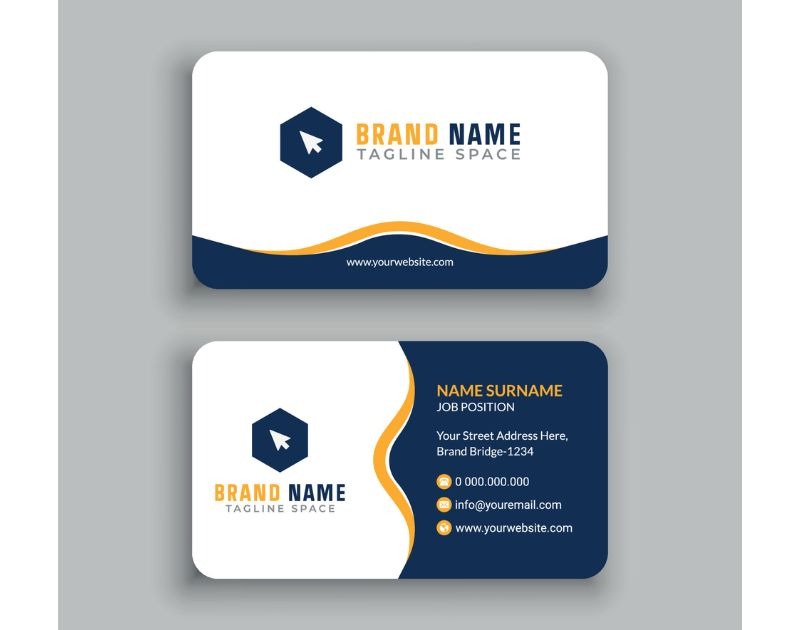
Need a quick business card for an event you’re attending? This Business Card Vector by Vecteezy is sleek, simple, and straightforward.
- How businesses could use it: Self-employed professionals can use this vector to establish their brand.
- Tips and tricks: Keep it minimal to make it readable and uncomplicated.
4. Soft Geometric Pattern
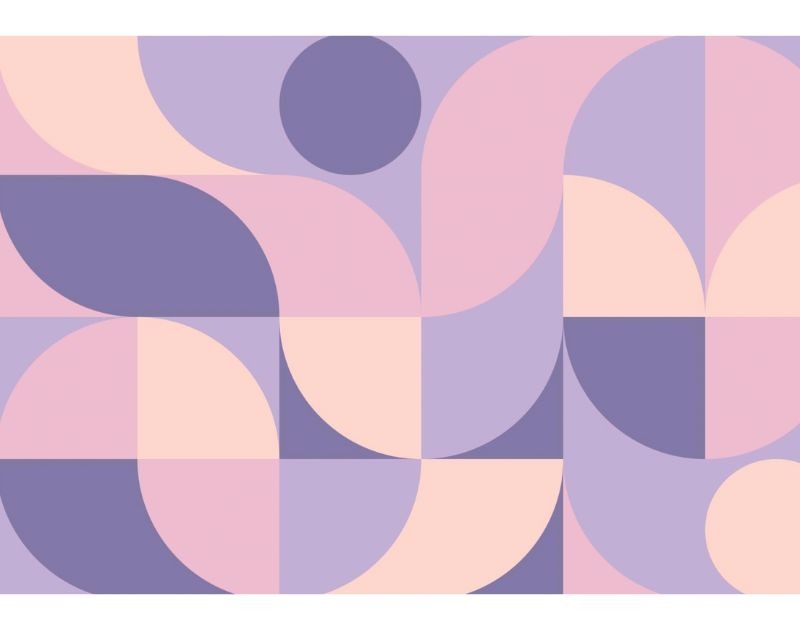
This Pattern Vector by Vecteezy uses soft geometric shapes in muted pastel tones. This type of vector art evokes a calm and modern feel.
- How businesses could use it: Lifestyle or wellness brands can use patterns like this for website backgrounds, social media templates, or packaging design.
- Tips and tricks: Pair busy patterns like this with a clean font to keep it clean and simple.
5. Bold Geometric Background
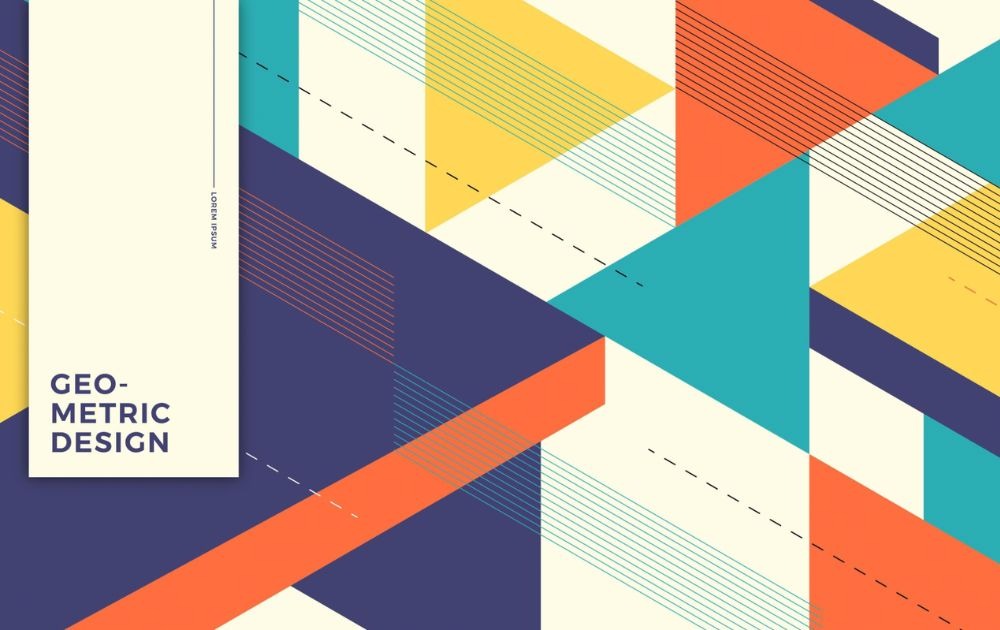
Unlike the previous example, this Asymmetrical Pattern Vector by Vecteezy is anything but soft. The sharp triangles in contrasting colors offer a dynamic energy and a strong visual rhythm.
- How businesses could use it: Tech or creative industry ventures can use this for merch, packaging, or web banner designs.
- Tips and tricks: When using a busy background like this, it’s best to keep the rest of the elements neutral to balance the design.
6. Hand-Drawn Education Illustration
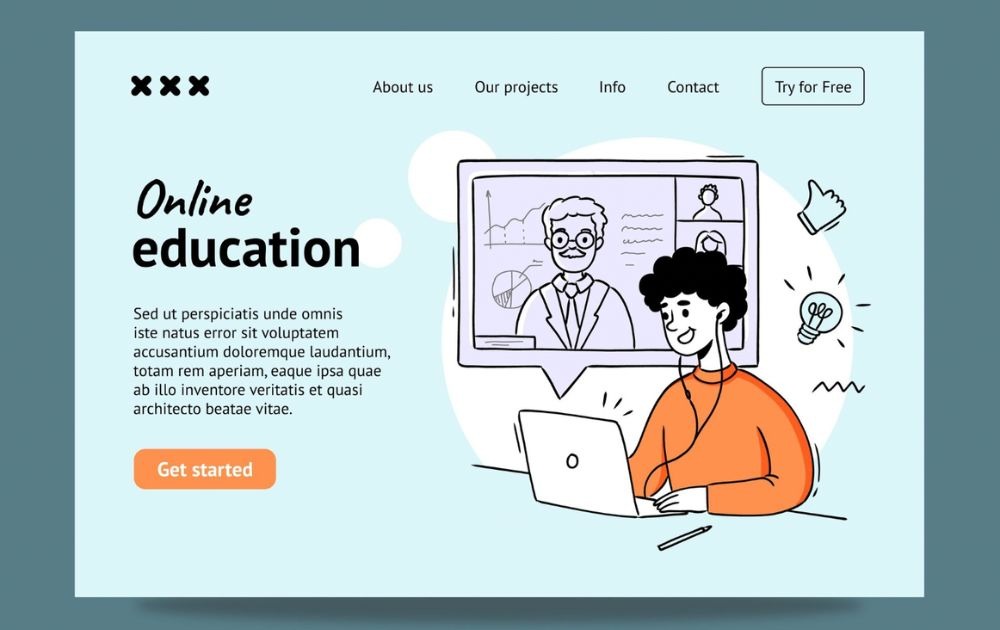
This education landing page design from Freepik features a playful illustration of a student learning remotely. A vector drawing like this offers a friendly and approachable look.
- How businesses could use it: Edtech startups, online course creators, and schools can use this style for their content, social media posts, and landing pages.
- Tips and tricks: You can ask your custom illustration service provider to customize the character to reflect your audience for better relatability.
7. Aluminum Can
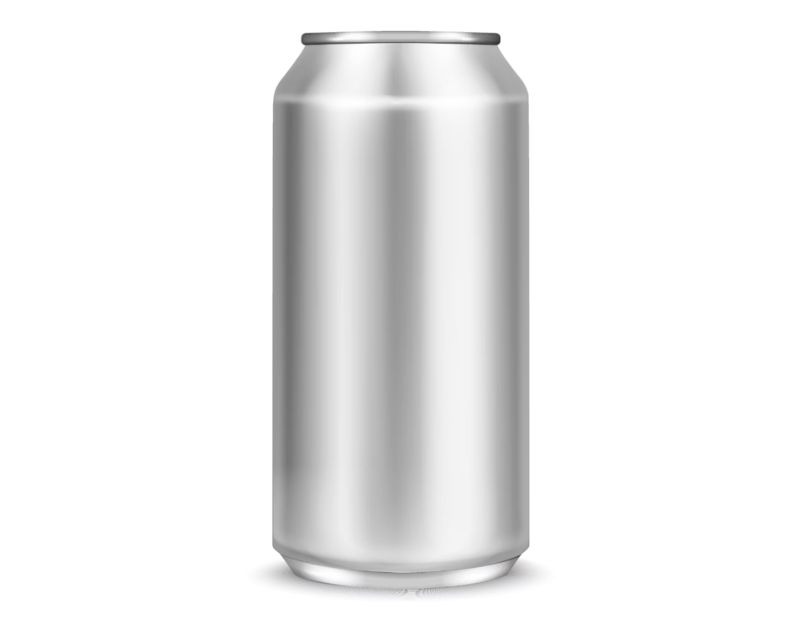
This Silver Aluminum Can Vector from VectorStock looks realistic, simulating a shiny and reflective metallic surface.
- How businesses could use it: Beverage brands can use this for product mockups, presentations, and ad designs.
- Tips and tricks: When working with a design-as-a-service platform, request different angles and realistic shadows and backgrounds for a stronger impact.
8. Minimal Tech Service Cards
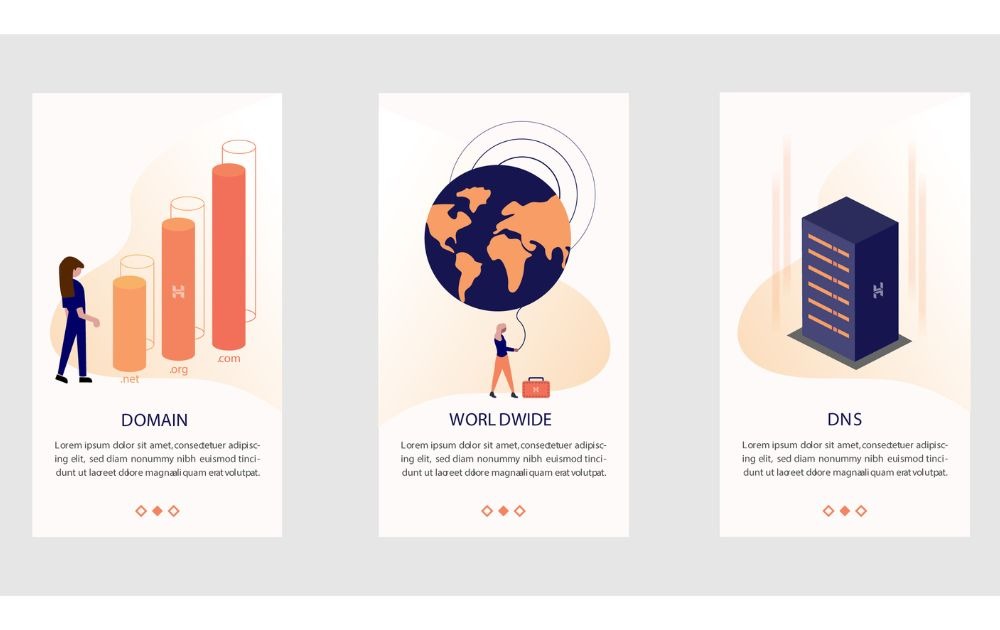
This Mobile Domain Network Vector from VectorStock offers a clean and minimal design using simple shapes and soft colors.
- How businesses could use it: SaaS providers and IT services can use it for their websites or social media carousels.
- Tips and tricks: Short headlines work best for multi-page designs like this.
9. Landing page
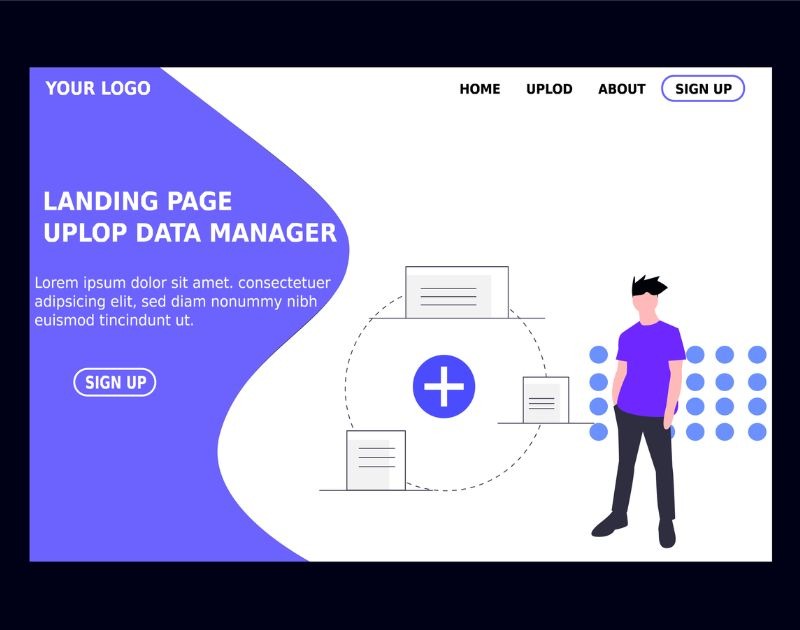
This Website Template Vector from Vectorstock offers a simple look with minimal icons and character illustration.
- How businesses could use it: Tech companies and startups can use this style for website design, app design, and even pitch decks.
- Tips and tricks: Ask your graphic design services provider to make your call-to-action button highly visible without overpowering the rest of the design.
10. BMX Jersey
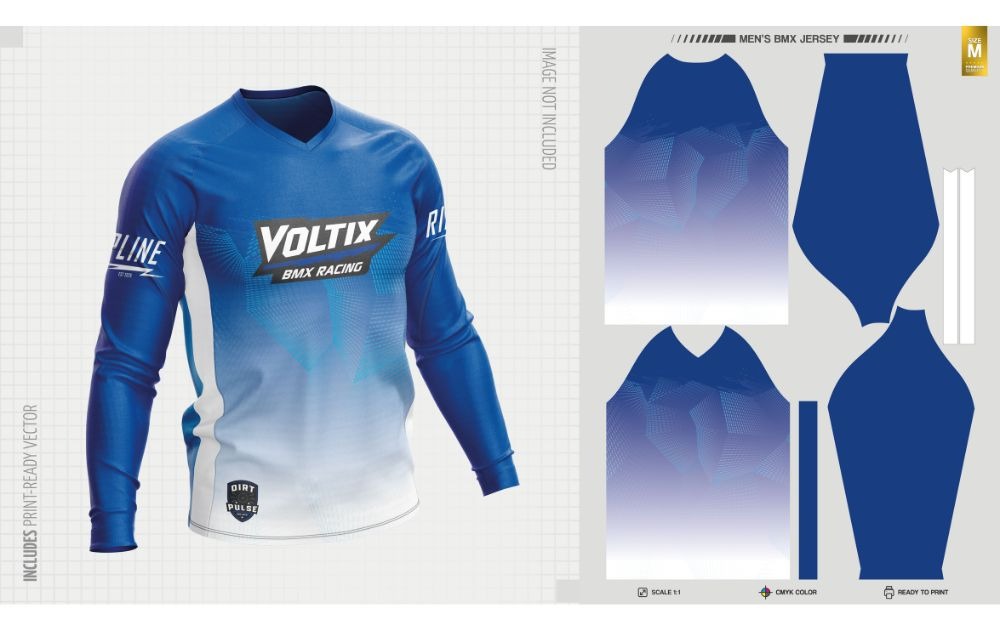
This BMX Jersey Template from Freepik offers a detailed layout with editable panels to customize.
- How businesses could use it: Apparel brands and sports shops can use it for client presentations and ecommerce marketing.
Tips and tricks: Test color combinations to ensure that each hue complements the others.
Vector Graphics vs. Raster Graphics: What’s the Difference?
Without a doubt, there are so many free vector files available online. But why go for vector graphics and not raster graphics? If you’re not yet familiar with the difference between the two, here are a few points of comparison:
- Variety. Raster graphics are made up of pixels and are therefore limited in the type of images they can produce. You can also only scale a raster image up so far before it begins to lose quality. Vector graphics, on the other hand, are made up of lines and curves, meaning that they can produce a range of different images.
- Resolution Independence. Raster images are resolution-dependent, which means their quality is tied to the image’s size. As the image gets larger, it loses its resolution and quality. Vector images, on the other hand, are resolution independent, which means they look great regardless of how large they’re displayed.
- Customizable Effects. Raster images can be modified in various ways, but they usually come with certain limitations. It’s often difficult or impossible to create a certain effect using raster graphics, but vector graphics are customizable designs, allowing you to create whatever effect you want.
What are the Top Tools and Software for Vector Design?
In the realm of vector art, the choice of software can make a significant difference in the ease and quality of your designs. Here are some of the top tools and software for vector design, each offering unique features that cater to different aspects of vector creation.
1. Adobe Illustrator
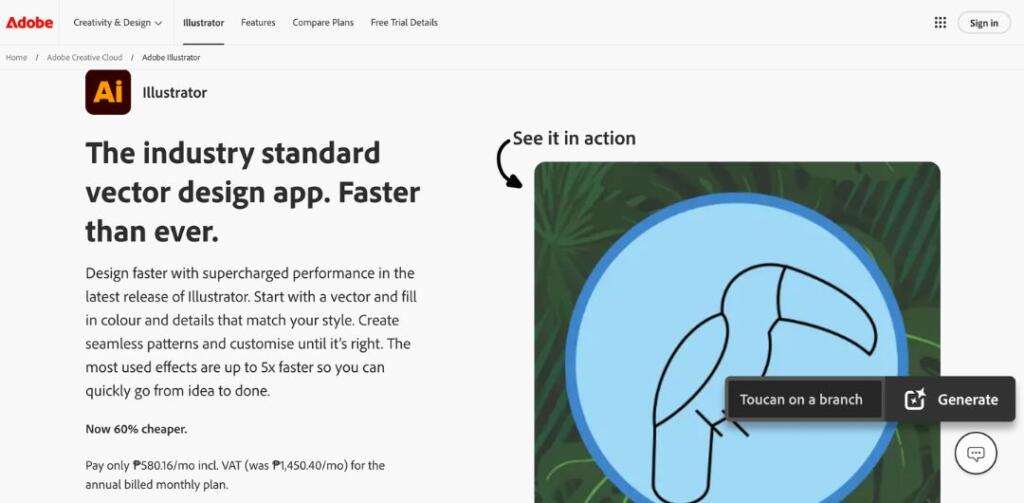
Adobe Illustrator reigns supreme in the vector design world. Known for its precision and versatility, Illustrator offers a comprehensive set of tools for creating everything from simple icons to intricate illustrations. Its user-friendly interface and extensive tutorial library make it a favorite among professionals and beginners alike.
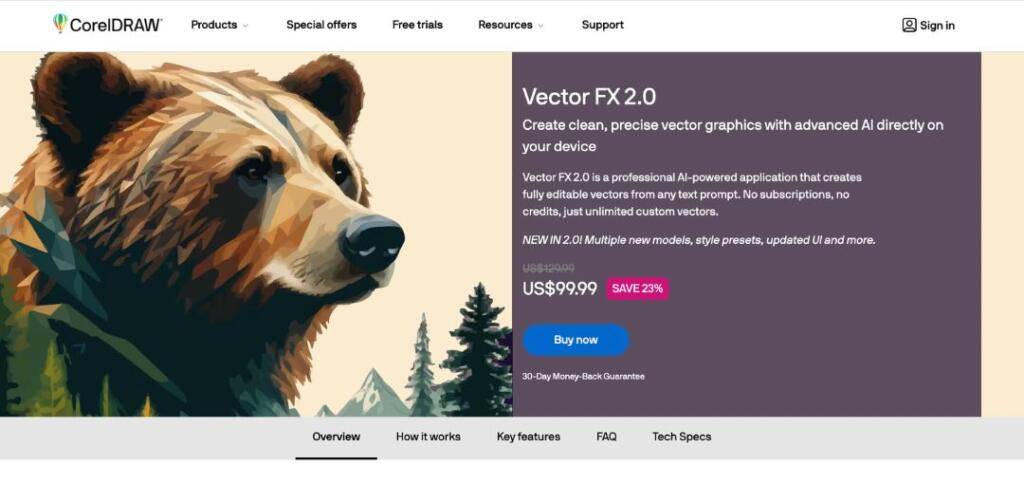
2. CorelDRAW
CorelDRAW stands out with its intuitive design and powerful vector editing capabilities. It’s particularly favored for its exceptional layout features, making it ideal for both graphic design and creating detailed vector images.
3. Sketch
Sketch is a Mac vector design tool beloved for its simplicity and efficiency, especially in web and UI/UX design. Its lightweight interface and collaborative features make it a go-to for design teams looking to streamline their workflow.
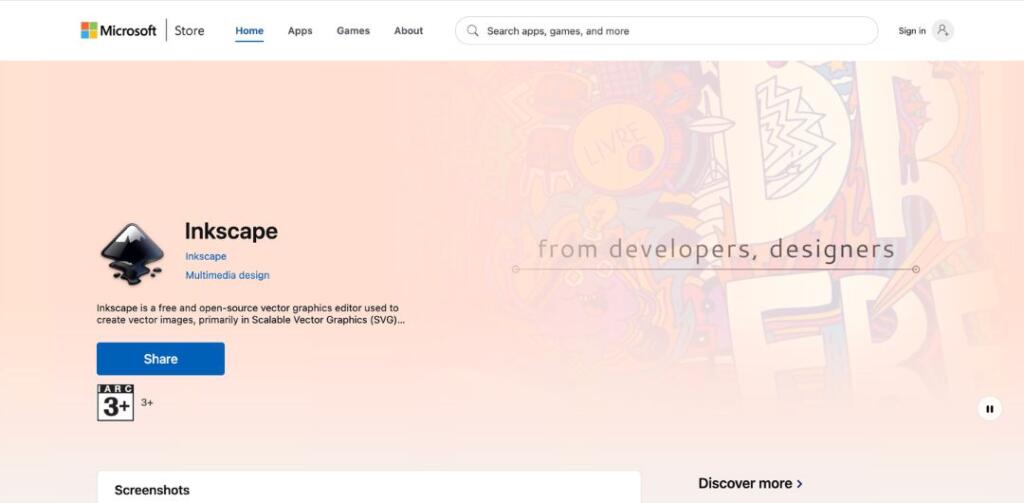
4. Inkscape
Inkscape is a free, open-source vector graphics editor that offers a solid alternative to its paid counterparts. It’s packed with features that are perfect for beginners who want to experiment with vector art without committing to a subscription.
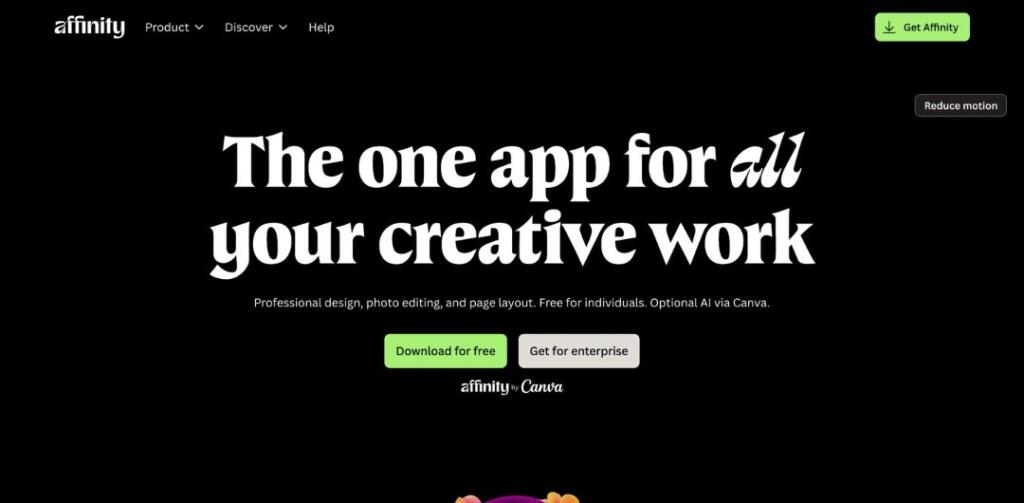
5. Affinity Designer
Affinity Designer is known for its speed and precision. It’s a cost-effective alternative to Adobe Illustrator, offering similar functionalities without the subscription model. Its ability to work seamlessly with raster and vector graphics side-by-side is a significant plus.
If creating vector designs yourself seems daunting, or if you’re pressed for time, Penji offers a convenient solution. It’s the perfect option for those who prefer to leave it to the experts and focus on other aspects of their business or project.
Getting Cool Vector Graphics Through Unlimited Graphic Design
Vector graphics are a great option if you want to create a design that can be resized to any size without losing quality. They’re also useful if you need to make a design flexible, since you can easily change the size or shape of the image.
If you’re someone who frequently needs high-quality vector designs for your projects, sign up for Penji’s unlimited graphic design service. With Penji, you can access a team of skilled designers who can create stunning vector graphics in a fast and efficient manner.

Whether you need a new logo, illustrations for a book, or designs for your website or social media, Penji can handle it all. Plus, with their unlimited design service, you can request as many designs as you need for a flat monthly fee. So why not save yourself the time and hassle of creating vector designs yourself and leave it to the experts?
Sign up now and get a 30-day money-back guarantee on your designs.
Frequently Asked Questions (FAQs)
Vector designs help ensure that branding graphics stay consistent across all materials, including websites, billboards, merch, and others.
Yes. Many prefer vectors for printing because they maintain image sharpness even in large formats.
Yes. They allow icons, logos, and other graphics to look sharp across various screen sizes.
About the author

Carla Deña
Carla is a journalist and content writer who produces stories for both digital and legacy media. She is passionate about creativity, innovation, and helping small businesses explore solutions that drive growth and social impact.
Table of Contents
- What are Vector Designs?
- When Should Vector Designs be Used?
- What are the Business Usages of Vector Designs?
- What are Examples of Vector Design Styles?
- Vector Graphics vs. Raster Graphics: What’s the Difference?
- What are the Top Tools and Software for Vector Design?
- Getting Cool Vector Graphics Through Unlimited Graphic Design
- Frequently Asked Questions (FAQs)






