









TL;DR – Designers use digital design software tools to create visual content, including logos, brand guidelines, packaging design, and more. The best software depends on several factors, including your skill level, project, and budget.
Businesses now rely on a wide range of digital design software to stay competitive and turn ideas into visuals.
But what type of design software do people actually use? The 2026 graphic design software market data reveals that pixel editors account for 32.2%, followed by vector editors at 24.8% and template-driven platforms at 16.1%.
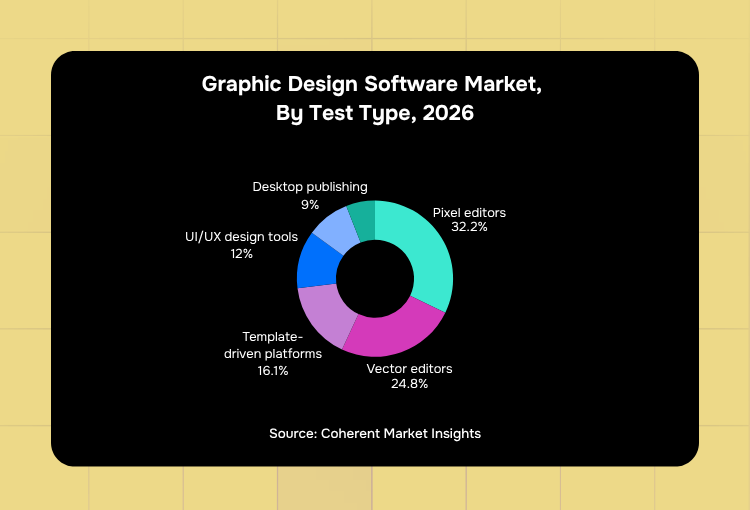
This numbers tell us that businesses are using different types of offline and online design software depending on their creative needs, whether it’s photo editing, branding, marketing materials, or content creation.
In this article, we’ll discuss the best digital design software—free and paid—and how to choose the right one for your needs, and cases where DIY graphic design might not be the best option. Let’s dive right in!
What is Digital Design Software?
Digital design software is a tool used by designers, artists, and even beginners to create visual content. This includes everything from simple logos to complex branding kits.
The software comes in various forms and allows users to manipulate shapes, text, and images, bringing their ideas to life through a computer interface.
For those on a budget, there are options that offer a digital design software free download, providing enough features to create expert-grade designs without a hefty price tag.
Never worry about DIY graphic design ever again
Unlimited graphic design from the world's top 2% designers




What are the Types of Digital Design Software?
Digital design software comes in various forms, each catering to different needs and creative styles. Here’s a breakdown of the most common types:
1. Vector-Based Design Software
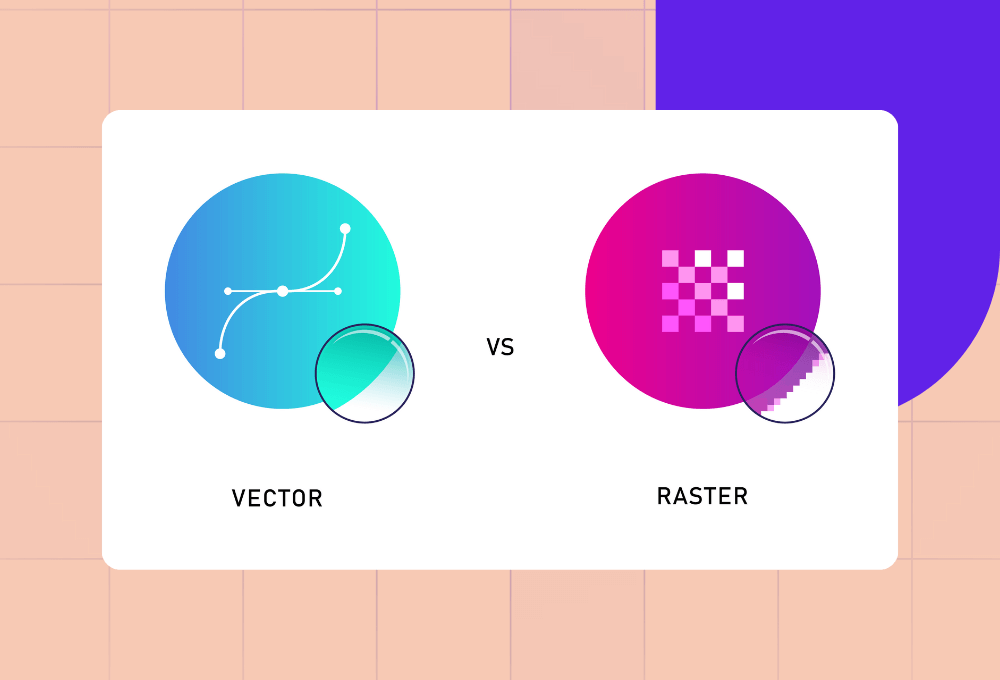
Ideal for creating scalable graphics like logos and illustrations, vector-based tools allow for precise control over shapes and lines. This type of software is perfect for projects that need to retain quality regardless of size, whether for small business cards or large-scale banners.
- Examples: Adobe Illustrator, CorelDRAW, Inkscape
2. Raster-Based Design Software
Programs like Adobe Photoshop and GIMP focus on pixel-based design. That said, they’re a go-to choice for photo editing and detailed illustrations. It’s crucial to note that raster tools work best when dealing with high-resolution images, enabling intricate touch-ups for photography or magazine ads.
- Examples: Adobe Photoshop, GIMP, Affinity
3. Collaborative Design Tools
With the rise of remote work, collaborative design tools have become popular. These platforms allow teams to work simultaneously on the same project, making them perfect for website and app designs.
- Examples: Figma, Lunacy, Sketch
4. AI-Powered Design Tools
Software such as Canva and Adobe Firefly leverages AI to simplify the design process, making it accessible for users who might not have a graphic design background. These tools offer quick and easy ways to create visuals using templates and drag-and-drop interfaces.
- Examples: Canva, Adobe Firefly
What is the Best Digital Design Software for Beginners?
Here are a few digital design software options to consider for beginners who would like to explore creating their own graphics:
1. Adobe Express
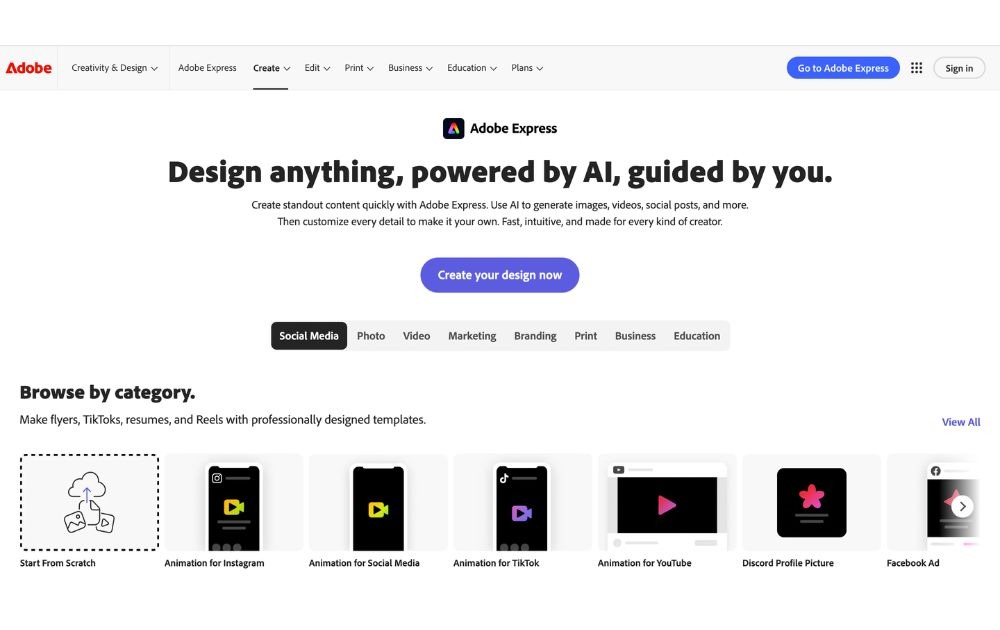
For those who opt not to get design support for marketing teams and choose DIY design, Adobe Express offers a drag-and-drop feature that makes it easy to craft designs. Though this version isn’t as sophisticated as the Adobe tools used by professional creative design services, it’s good enough for templates and simple projects.
- Pros: Easy to learn, AI features
- Cons: Limited design capabilities, premium features require a paid subscription
2. Canva
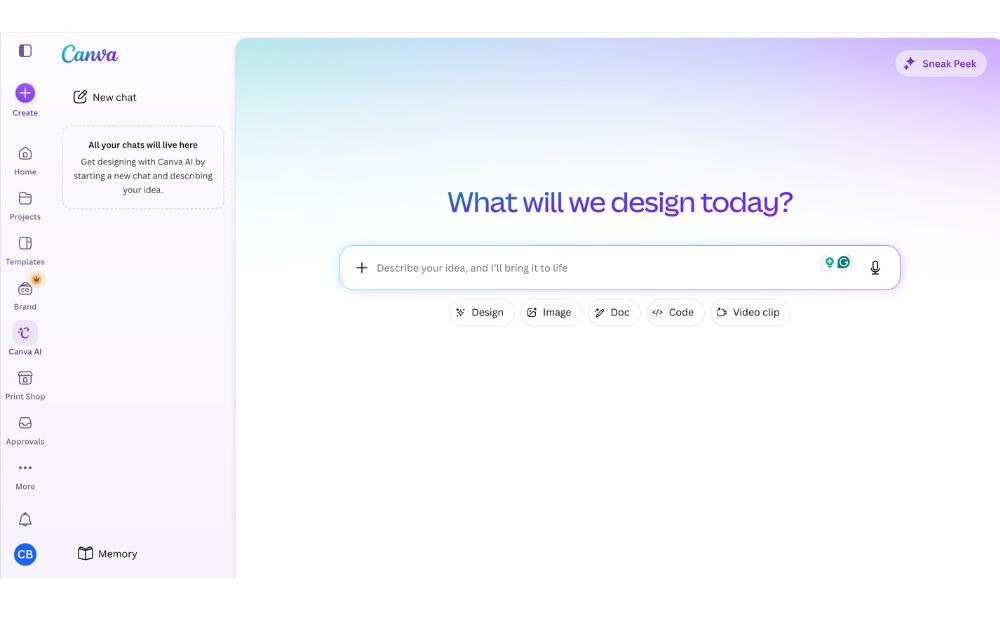
Many beginners start with Canva’s user-friendly design software. For one, its drag-and-drop interface and pre-designed templates make it easy for anyone to create designs, from social media posts to mailing box design.
- Pros: Beginner-friendly, collaboration features
- Cons: Pro subscription needed for premium assets, limited advanced editing
3. Affinity
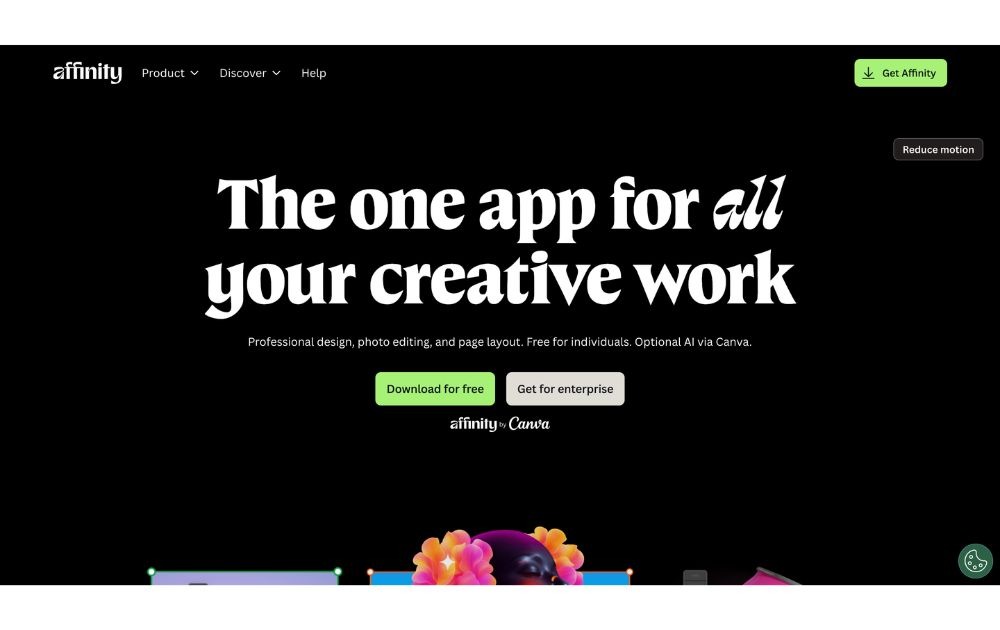
If you’re looking for a vector design tool Affinity is a good option. Featuring Pixel, Vector, and Layout studios, it offers a robust set of tools for creating both vector and raster graphics. Although it might take a little time to master, it’s still a good beginner option.
- Pros: Vector and raster editing tools, professional-grade output
- Cons: Steep learning curve, fewer integrations
4. Figma
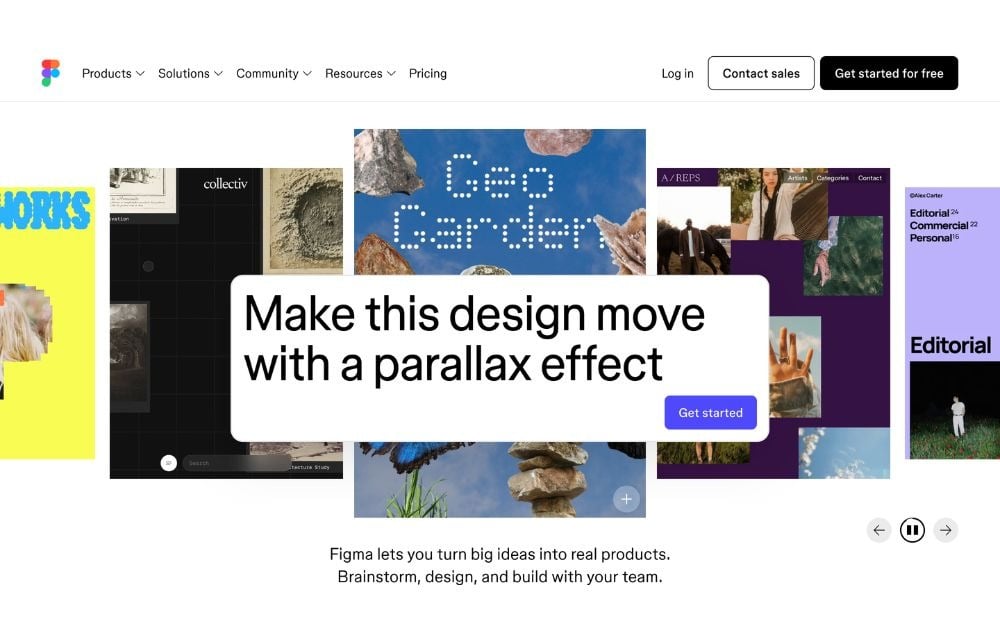
Figma is another software also used by creative-as-a-service platforms. It’s typically efficient for UI/UX design, wireframing, and prototyping, allowing team members to collaborate in real time.
- Pros: Good collab features, cloud-based
- Cons: Primarily for UI/UX, needs internet connection for a better experience
5. Pixlr
Last but not least is Pixlr, a browser-based editing app. Alongside its simple editing features, it also provides AI capabilities, allowing users to do quick edits without having to download the software.
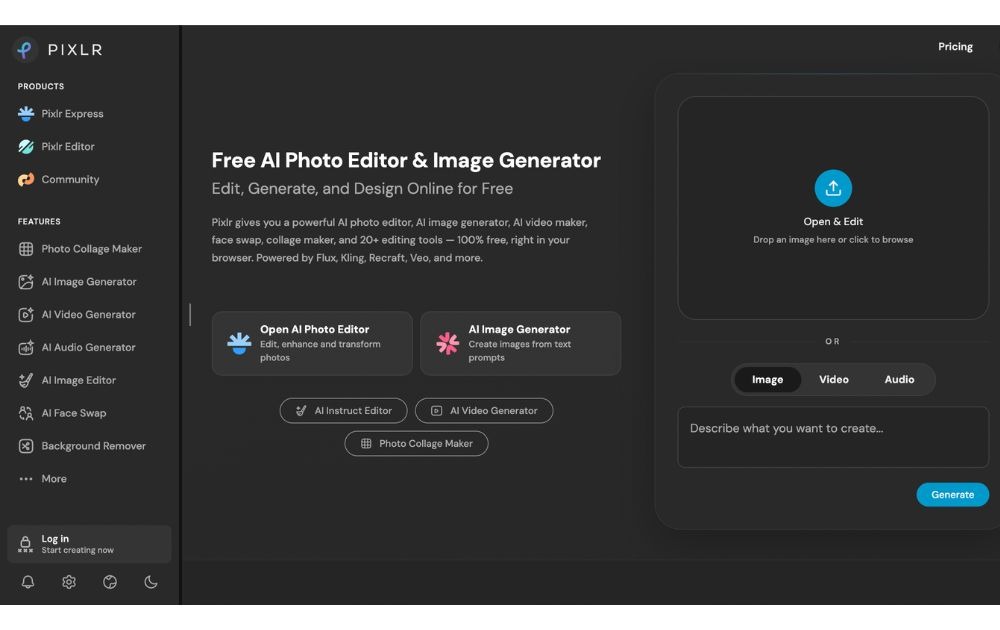
- Pros: Browser-based with AI features, free plan available
- Cons: Ads on the free plan can be distracting, not suitable for complex projects
Free vs. Paid: Which Digital Design Software is Worth It?
When choosing between free and paid digital design software, it’s essential to weigh the pros and cons based on your needs, skill level, and budget.
That said, here’s a breakdown of what you can expect from each:
Free Digital Design Software
Pros:
- The most obvious benefit is that these tools won’t cost you a dime.
- Free software often has simple, intuitive interfaces, making it suitable for people with little to no design experience.
Cons:
- On the other hand, free versions often lack advanced tools for professional-grade projects, such as extensive file format support and high-quality export options.
- Some free versions also include watermarks on exports, which may make designs look amateur.
Paid Digital Design Software
Pros:
- Paid software like Adobe Creative Cloud or Affinity Designer provides high-end features, including professional-grade tools for vector and raster design.
- Paid software is regularly updated with new features, security patches, and performance improvements.
Cons:
- The obvious downside is that paid tools can be expensive. For instance, some options can cost upwards of $50/month, depending on the package.
- Many pro software tools are complex and may require a long learning time.
If you’re a beginner or working on small-scale projects, free software might be enough for your needs. However, for those aiming for higher-quality designs, paid software can be a good investment.
Why is DIY Not for Everyone?
While DIY digital design software offers convenience and flexibility, it’s not always the best option for everyone.
Here’s why DIY digital design software isn’t always the best solution:
- Time-Consuming: Running a business or managing multiple projects leaves little room to master design software while juggling other tasks.
- Limited Features in Free Versions: Many free design tools lack the advanced features necessary for professional-quality designs.
- Consistency Issues: Without professional expertise, maintaining a consistent design style across various platforms can be difficult.
- Quality Control: DIY often leads to trial and error, resulting in lower-quality designs that don’t always meet professional standards.
Final Thoughts
With a myriad of options out there, there’s a design software for every need, skill level, and budget. But here’s the catch: using these tools require time. Time to learn them (no matter how user-friendly they are) and time to design.
Saving time is one of the top reasons to choose Penji over DIY tools. With Penji‘s design-as-a-service platform, you bypass these digital design software challenges by accessing pro designers who deliver high-quality designs without the learning curve or time commitment.

View a demo or visit Penji’s portfolio today to learn how you can access unlimited graphic design services at a flat monthly rate.
Frequently Asked Questions (FAQs)
Vector designs are based on mathematical paths, making them scalable without losing quality. Raster, meanwhile, use pixels, which are ideal for photos and detailed images.
Many designers and individual users are now leveraging AI to generate mood boards, initial drafts, and visual inspirations to be edited in design apps. It can also automate repetitive tasks, such as removing backgrounds.
Yes. Canva can be used both by beginners and professional designers alike. The difference lies in skills; while newbies typically use Canva templates to produce designs, professional designers know how to take advantage of Canva’s tools and assets to create unique, custom-made visuals.
About the author

Carla Deña
Carla is a journalist and content writer who produces stories for both digital and legacy media. She is passionate about creativity, innovation, and helping small businesses explore solutions that drive growth and social impact.
Table of Contents
- What is Digital Design Software?
- What are the Types of Digital Design Software?
- What is the Best Digital Design Software for Beginners?
- Free vs. Paid: Which Digital Design Software is Worth It?
- Free Digital Design Software
- Paid Digital Design Software
- Why is DIY Not for Everyone?
- Final Thoughts
- Frequently Asked Questions (FAQs)






