








TL;DR: AI for graphic design is a genuine productivity tool, not a replacement for human creative work. The businesses getting the most value from it are the ones using AI to handle repetitive tasks while keeping designers focused on strategy, brand thinking, and creative decisions that actually require judgment.
How can businesses use AI for graphic design without replacing designers? AI for graphic design works best as a support layer: generating starting points, resizing assets, suggesting variations, and speeding up repetitive production work.
Human designers bring brand judgment, strategic thinking, and creative direction that AI tools can’t replicate. The smartest approach uses both.
There’s a version of this conversation that goes badly. A company discovers AI design tools, decides they can cut the design budget, and six months later wonders why everything looks generic and nothing feels like the brand anymore.
Then there’s the version that goes well. The same tools get used to help designers move faster, generate more options, and spend less time on the tasks that didn’t need a creative brain in the first place.
The difference isn’t the tool. It’s the approach. Here’s what the smart version actually looks like.
What Can AI Tools for Graphic Design Actually Do Well?
AI tools for graphic design have gotten genuinely good at a specific category of work: fast, volume-based, pattern-driven tasks that used to eat up hours of a designer’s day.
Here’s where AI performs reliably well:
| AI Design Task | What It Does |
| Image generation | Creates visual starting points from text prompts |
| Background removal | Cleans up product and portrait photos instantly |
| Asset resizing | Adapts one design to multiple formats and dimensions |
| Color palette suggestions | Generates options based on mood or input image |
| Template variation | Produces multiple layout options from one original |
| Copy-to-design drafts | Turns text briefs into rough visual mockups |
These are real time savings. A designer who used to spend two hours manually resizing a campaign for eight ad formats can now do it in fifteen minutes. That’s not a small thing.
What AI doesn’t do well is decide which option is right for the brand, understand what a specific client actually means when they say “make it feel more premium,” or know when breaking a visual rule creates something memorable. That’s still human work.
Where Does Human Design Judgment Still Lead?
The future of graphic design isn’t a competition between humans and AI. It’s a question of which tasks belong to which.
AI generates. Humans direct.
A designer looking at ten AI-generated logo concepts still needs to decide which one communicates the right brand story, which one will hold up at small sizes, and which one a particular client audience will actually respond to.
That judgment comes from experience, from understanding people, and from caring about the outcome. AI doesn’t have any of those things.
Brand identity work in particular is still deeply human.
The decisions that go into a visual identity, what the colors signal, how the typography feels, what the logo communicates before anyone reads a word, those aren’t pattern-matching problems.
They’re strategic and emotional ones.
Graphic design services that combine professional designers with smart AI workflows get the best of both. Speed on the production side. Judgment on the creative side.
How Should a Business Actually Integrate AI Into a Design Workflow?
The mistake most teams make is treating AI as a replacement rather than a workflow layer. Here’s a checklist that works better:
AI-Assisted Design Workflow Checklist
- Use AI to generate initial concept variations, not final deliverables
- Have a designer review and select from AI outputs before anything gets used
- Keep brand guidelines as the filter: if AI output doesn’t match, it doesn’t get used
- Use AI for resizing, formatting, and production tasks after creative direction is set
- Reserve human designer time for brand identity, campaign concepting, and client-facing work
- Never publish AI-generated visuals without a designer review pass
The teams that get this right treat AI like a very fast junior assistant: useful, capable of volume work, but always supervised by someone who knows what good actually looks like.
Professional design services by the world's top 2% designers
Unlimited graphic design at a flat monthly rate

What Does This Mean for Businesses That Use Design as a Service?
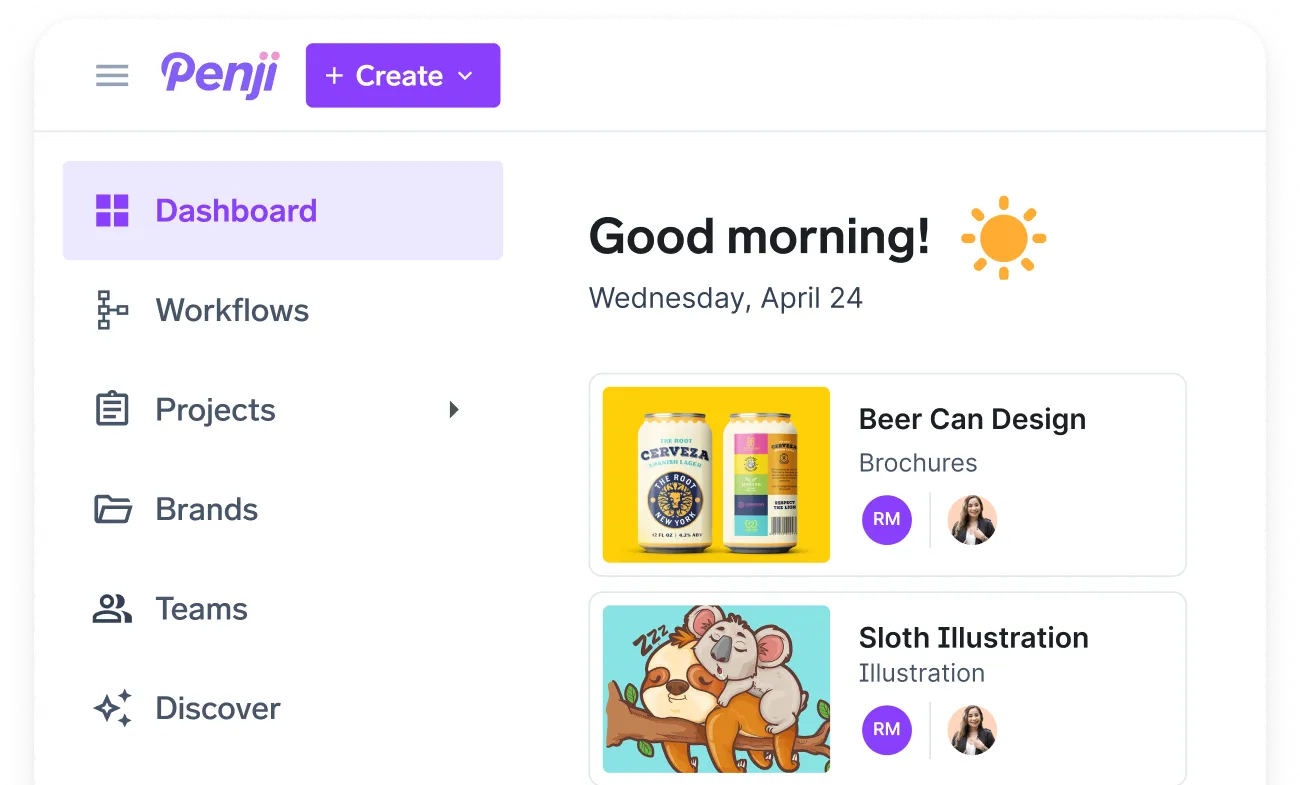
Design as a service platforms like Penji already operate on a model that mirrors this approach. Human designers handle the work. AI tools are used internally to support speed and production efficiency. The client gets professional output without having to manage the workflow or the toolset.
For businesses that don’t have an internal design team, this model solves the AI integration problem entirely.
There’s no need to evaluate which AI tools for graphic design are worth using, train staff on new platforms, or figure out how to quality-check AI output. Penji’s unlimited graphic design services handle all of it.
Generative design capabilities are built into how the work gets done, not something businesses have to bolt on themselves.
Is AI Going to Replace Graphic Designers?
Not in any meaningful near-term sense, and the data supports that.
According to the U.S. Bureau of Labor Statistics, graphic design employment is projected to remain stable through 2032, with demand shifting toward digital and UX-focused roles rather than declining.
The skills that make a designer valuable, strategic thinking, brand understanding, visual communication, and client relationship management, aren’t being automated.
What AI is changing is how designers spend their time. Less on production repetition. More on the creative and strategic work that actually moves businesses forward.
For designers willing to work with AI rather than against it, that’s a net positive.
Conclusion
In summary, AI for graphic design is a tool. A useful one. But it’s not a strategy, and it’s not a substitute for a designer who understands a brand and knows how to communicate through visuals.
The businesses getting real value from it are the ones using it to make their design output faster and more consistent, not cheaper in ways that compromise quality. If the goal is to do more without sacrificing what makes the work effective, that’s exactly the problem Penji was built to solve.
See how Penji combines professional designers with smart workflows. Explore Penji’s graphic design solutions here.
Frequently Asked Questions
For simple, low-stakes assets like quick social posts or placeholder mockups, AI tools can produce usable output. For anything brand-facing, client-facing, or campaign-critical, human design judgment is still essential. AI output without a designer review tends to look generic and off-brand quickly.
Popular options include Adobe Firefly, Canva’s AI features, Midjourney for image generation, and tools like Remove.bg for background removal. Each handles specific tasks well. None of them replace a designer who understands brand strategy and creative direction.
Penji’s designers use AI tools to support speed and production efficiency while keeping human designers responsible for all creative decisions, brand alignment, and final output. Clients get professional results without needing to manage any of the tooling themselves.
Yes, but primarily by shifting the focus of design work rather than eliminating it. Designers are spending less time on repetitive production tasks and more on strategy, creative direction, and the work that requires genuine human judgment. Most industry projections suggest demand for skilled designers remains steady.
About the author

Flore
Flore’s passionate about turning ideas into clear, useful content that connects with people and performs on search. From blog posts and landing pages to full content plans, her work is grounded in purpose and always aligned with a bigger picture.
Table of Contents
- What Can AI Tools for Graphic Design Actually Do Well?
- Where Does Human Design Judgment Still Lead?
- How Should a Business Actually Integrate AI Into a Design Workflow?
- What Does This Mean for Businesses That Use Design as a Service?
- Is AI Going to Replace Graphic Designers?
- Conclusion
- Frequently Asked Questions