









TL;DR:
- Look at the specific workflows of your team to find creative bottlenecks.
- Balance vector editing power with rapid prototyping needs.
- Use a dedicated UI/UX platform (like Figma or Sketch) for your work.
- Integrate Penji’s unlimited graphic design to scale output without adding headcount.
Software bloat slows you down. When your product managers, researchers, and visual designers operate within a fragmented environment, projects stall. File format incompatibilities delay developer handoffs. Siloed feedback loops create version control nightmares.
Choosing the right graphic design tools dictates the speed and quality of your creative output. A strategically selected software ecosystem eliminates friction. You ship products faster. You launch campaigns on time.
Building an effective stack requires an audit of your team’s specific workflows. You must balance complex prototyping with simple asset management. You must minimize tool fatigue.
The core decision usually centers on selecting a primary interface platform. Once that anchor is set, you integrate supporting applications and scalable graphic design services.
Ready to evaluate your current setup? Let us look at what makes a software ecosystem actually work for your creative team.
What Is a Design Tool Stack?

A design tool stack is an integrated ecosystem of software applications. Creative teams use these programs to execute, manage and deliver projects. This stack generally spans several categories: Creative teams use these programs to execute, manage and deliver the projects.
This stack usually consists of several categories:
- Wireframing and user flow mapping.
- Vector graphics and branding.
- User interface (UI) creation.
- Interactive prototyping.
- Developer handoff and code generation.
- Digital asset management (DAM).
Without a defined architecture, organizations suffer from “shadow IT.” Different departments have their favorite software, which results in redundant license costs and breaking your brand systems.
A standardized stack guarantees consistency in typography, component libraries and design tokens. This fragmentation creates duplicate licensing fees. It shatters your brand systems.
A common stack provides consistency in typography, component libraries and design tokens. Your workflow stays clean from the first wireframe to the last interface coded.
Once you establish the foundation of your software ecosystem, the next logical question is: how do you get these programs to sync with your actual business goals?
How Do You Identify Your Team’s Needs?
To align your software ecosystem with operational goals, you must evaluate feature sets against actual daily workflows. You cannot buy software based on a landing page pitch. You must buy it based on how your team actually works.
Use the following checklist to audit your requirements:
- Real-time collaboration: Do multiple designers need to edit the same file simultaneously?
- Developer handoff: Does the tool output usable code snippets for CSS, iOS or Android?
- Complexity of Prototyping: Do you require simple screen transitions or intricate conditional logic?
- Asset management: How quickly are approved brand assets accessible to external stakeholders?
Mapping those requirements saves you from paying for features you won’t ever use.
With your needs well defined, you can start to look at the leading software options available on the market today.
Which Graphic Design Tools Fit Your Workflow?
According to recent UX tools survey data, Figma now dominates the UI category with 82.3% usage. But it is not the only option.
Here is a breakdown of the industry-standard applications:
| Tool | Core Strength | Ideal Use Case | Pricing Model |
| Figma | Cloud-based collaboration | Cross-functional product teams | Subscription (Freemium available) |
| Sketch | Native macOS performance | Dedicated UI/UX designers on Mac | Subscription / Standard License |
| Adobe XD | Creative Cloud integration | Teams already utilizing Adobe Suite | Subscription |
| Canva | Template-driven scalability | Marketers and non-designers | Subscription (Freemium available) |
Teams transitioning from fragmented local files to a centralized cloud architecture report a major reduction in project cycle times. Collaboration features remain the most critical factor for modern remote teams.
Even the most optimized software stack has limits. You must also account for human bandwidth constraints.
How Can You Scale Output with Graphic Design Services?
Over-reliance on software tools when internal teams are at capacity leads to burnout.
Adding an unlimited graphic design service like Penji becomes an extension of your core tool stack. By offloading routine deliverables, you keep your core product designers focused on high-level architecture.
You get a full creative team without a single new hire on payroll.
A design as a service subscription model offers:
- Predictable Costs: Ditch expensive hourly freelancers for one flat monthly price.
- Fast response: Help your projects within 24-48 hours.
- Scalable output: Unlimited design requests as your business grows.
Penji does it all. Ad creative, presentation formatting, etc. This allows your team to maximize the value of their primary graphic design tools.
Once you understand how to supplement your team with creative design services, you must finalize your software procurement.
What Are the Criteria for Final Selection?

When finalizing your software procurement, prioritize three architectural pillars.
Integration Features
Your design software needs to be able to communicate with the broader project management stack. Check for native API support. The tools you need to seamlessly integrate with platforms like Jira, Slack and Asana.
Total Cost Ownership (TCO)
Ignore the monthly seat license Plugins and storage add-ons are priced separately. Consider how long it takes to train new employees. Very complex tools have a steeper learning curve and therefore delayed ROI.
Accessibility and Multi-Platform Compatibility
Your engineering team may be on Windows machines and your designers on macOS. Cross-platform accessibility of cloud-native tools running in the browser is better than native desktop applications.
Looking at these three pillars can help you avoid buyer’s remorse. It also readies you to face the changing landscape of creative technology.
How Do You Overcome Tool Fatigue?
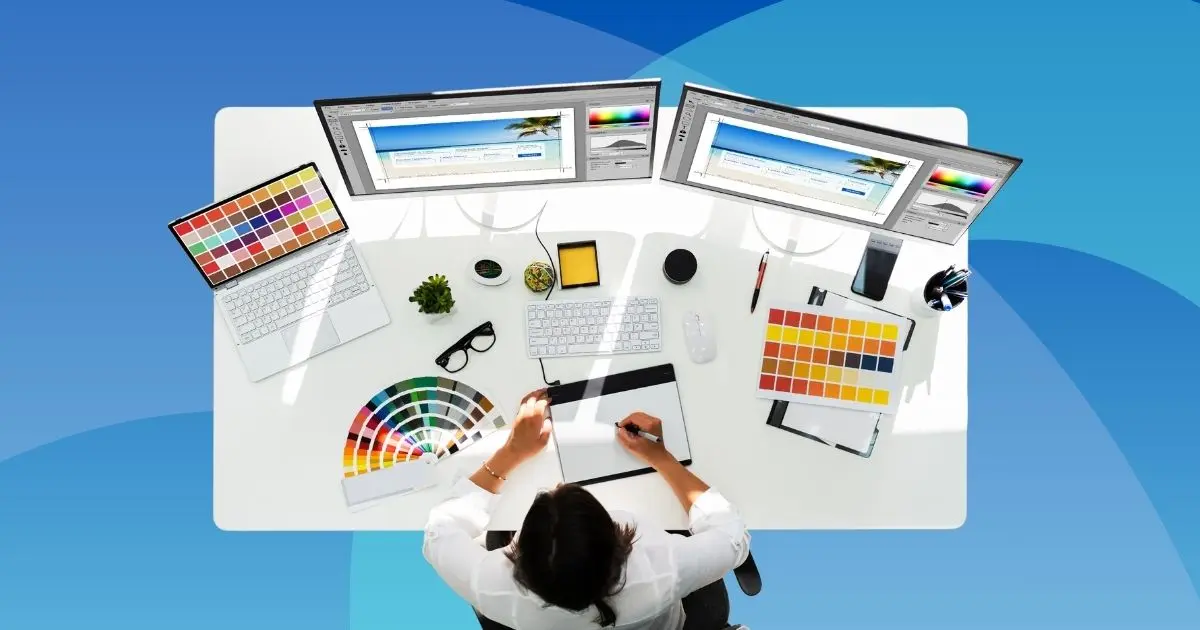
Generative AI plug-ins automate repetitive tasks, such as background removal and placeholder text creation.
This explosion of tools creates a new challenge, tool fatigue. Teams are sick of context switching.
Combine functionality where possible to reduce this. If your primary UI tool offers native developer handoff, deprecate legacy third-party handoff apps. Keep your stack lean. Focus on execution over endless experimentation.
Ready to Elevate Your Creative Output?
Step one to greater efficiency is to audit your existing software infrastructure. Map your team’s daily workflows. Identify choke points. Try the programs that head straight for those pain points.
First, equip your team with the right graphic design tools. Build a single source of truth. Eliminate the friction of incompatible files.
If your team struggles with volume rather than software capabilities, change your approach entirely. Stop wasting time on endless recruiting. Start scaling your creative output today. Explore how Penji’s subscription services integrate into your workflow to deliver professional assets on demand.
Frequently Asked Questions
Canva and Figma are the most accessible entry points. Canva offers a template-based approach that’s good for marketers. Figma is a powerful but easy to use interface for aspiring UI/UX professionals.
Yes. But needs strict governance. Complex vector branding is often done in Adobe Illustrator, then imported into Figma for UI creation, and a dedicated platform is used for developer handoff.
Audit your tool stack yearly. The software features evolve fast. A tool that required a third-party plugin last year may now offer that functionality natively.
About the author

Je Ann Bacalso
Je Ann is a creative content writer who crafts engaging, SEO-friendly articles and web copy. With a passion for storytelling and a sharp eye for detail, she delivers clear, compelling content that connects with readers.
Table of Contents
- What Is a Design Tool Stack?
- How Do You Identify Your Team’s Needs?
- Which Graphic Design Tools Fit Your Workflow?
- How Can You Scale Output with Graphic Design Services?
- What Are the Criteria for Final Selection?
- How Do You Overcome Tool Fatigue?
- Ready to Elevate Your Creative Output?
- Frequently Asked Questions






