









TL;DR: Canva is powerful, but it’s no longer your only option. In 2026, smarter Canva alternatives offer better AI, stronger customization, and faster workflows and if DIY tools slow you down, unlimited graphic design services like Penji can do the work for you.
Why look beyond Canva?
Let’s be honest: Canva is a giant. But even giants have their limits. Maybe you are tired of seeing the same templates popping up on your competitor’s social feed. Perhaps the recent price hikes have you tightening your budget. Or maybe you just want a tool that sparks a little more innovation in your workflow.
Whatever your reason, you are in the right place. The design landscape has exploded with Canva alternatives that offer smarter AI, better customizations, and unique features that can take your brand from “blending in” to “standing out.”
Ready to pilot the ship toward better design? Let’s dive in.
How did we test the best Canva alternatives?
We didn’t just skim the surface. To bring you this list, we looked at the engines powering these platforms. We tested them for:
- Ease of Use: Can you jump in and design immediately, or is the learning curve steep?
- AI Capabilities: Is the AI actually helpful, or just a gimmick?
- Asset Libraries: Do they offer high-quality stock photos and elements?
- Cost: Is it budget-friendly for startups and marketing managers?
Tool #1: Can Fotor handle your photo editing needs?
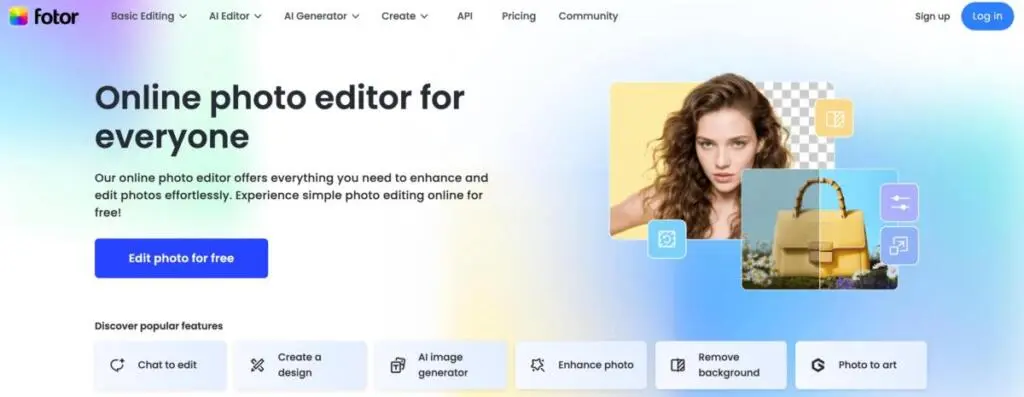
Fotor started as a photo editor and evolved into a full graphic design suite. It is perfect if your work revolves more around photography than vector illustrations.
Who is it for?
Photographers, social media influencers, and e-commerce managers.
Pros
- Advanced photo retouching tools.
- One-tap enhance features.
- High-quality filters and effects.
Cons
- Template library is smaller than Canva’s.
- Some advanced features are locked behind paywalls.
AI Tools and Capabilities
Fotor shines here with AI background removers, AI photo enhancers, and a text-to-image generator that rivals mid-journey for speed.
Integration
Limited direct integrations compared to enterprise tools, but excellent for standalone editing.
Tool #2: Is Piktochart the professional’s choice?
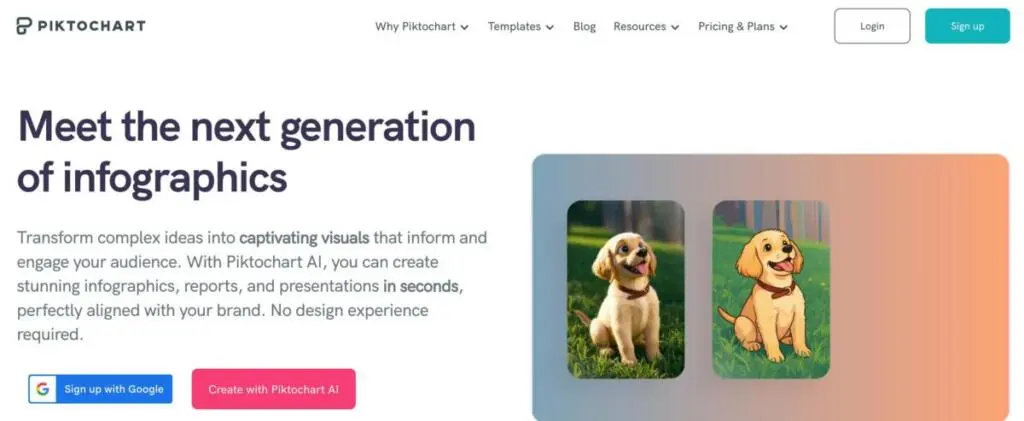
Piktochart strips away the fluff. It’s not about flashy Instagram stories; it’s about professional, business-ready communication.
AI Tools and Capabilities
Piktochart AI allows you to turn a simple outline or topic into a full infographic or newsletter in seconds.
Pros
- Clean, professional templates.
- Great for long-form content like reports and brochures.
- Easy-to-use map functionality.
Cons
- Not ideal for social media animation.
- Free plan is quite restrictive.
Who is it for?
HR departments, internal comms teams, and B2B marketers.
Integration
Exports easily to PDF, PowerPoint, and connects with Excel for data imports.
Tool #3: Does Easil protect your brand identity?
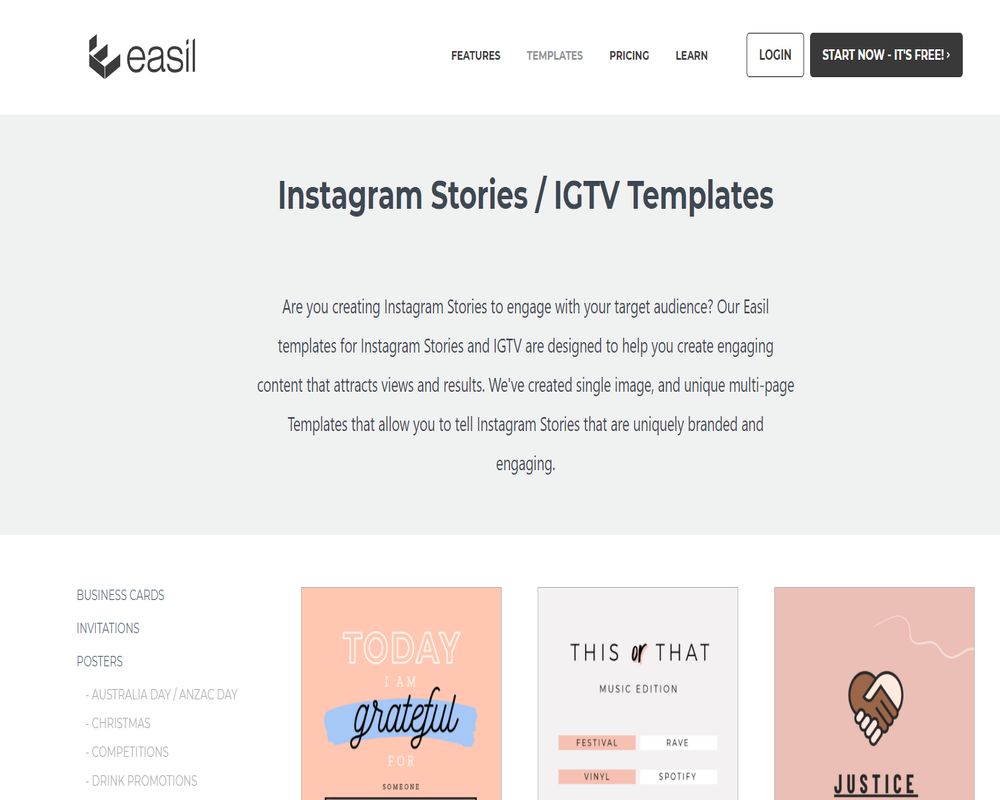
Easil is one of the best Canva alternatives for keeping a team on the same page. Its standout feature is the “Locking” ability, ensuring no one messes up your brand fonts or logos.
AI Tools and Capabilities
Easil focuses more on workflow than generative AI, but its background removal tools are top-tier.
Pros
- Granular locking permissions for brand control.
- Gorgeous, trendy templates that feel less “corporate.”
- Layers panel (a huge plus for designers).
Cons
- Smaller community and resource library.
- Slightly steeper learning curve.
Who is it for?
Brand managers and teams who need strict adherence to style guides.
Integration
Connects with various social media schedulers for direct publishing.
Tool #4: Is MolyPix.AI the future of marketing design?
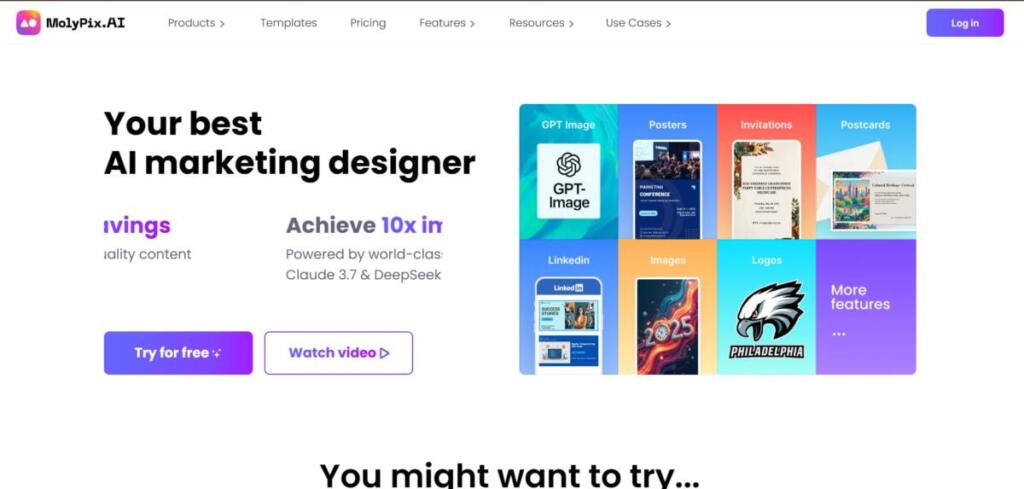
Imagine having an AI marketing designer in your pocket. MolyPix.AI isn’t just a design tool; it’s an efficiency engine. It allows you to generate stunning, multi-scenario visuals in seconds—without needing a degree in design.
AI Tools and Capabilities
Powered by GPT-4o and other world-class models, MolyPix offers DesignGPT. You simply type a sentence, and it generates fully editable, layered designs. Unlike other AI tools that give you a flat image, MolyPix lets you modify text, adjust layouts, and swap elements instantly.
Pros
- Fully Editable Layers: The world’s first AI tool that gives you non-destructive layers.
- 10x Speed: Create 4 high-quality posters in about 1 minute.
- Brand Kit: Automatically aligns every AI generation with your brand colors and logos.
- Remix Button: Turns any design into a reusable template.
Cons
- Newer to the market, so the community is still growing.
- Focuses heavily on marketing visuals rather than long-form documents.
Who is it for?
Marketers and creators who need high-quality content instantly. It is the perfect tool for achieving “10x impact” with minimal effort.
Tool #5: Can Snappa save you time on social?
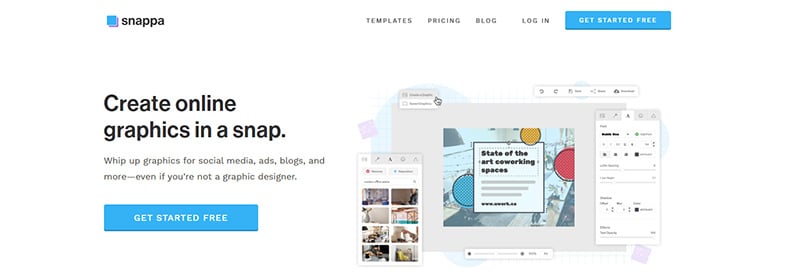
Snappa is built for sheer velocity, promising that you can whip up a professional graphic in under 60 seconds. It’s simple, lightning-fast, and incredibly effective for those who need to move at the speed of social media.
AI Tools and Capabilities
The platform keeps you moving with essential AI features, including an intelligent background remover and one-click image enhancement to make your visuals pop instantly.
Pros
- Zero Learning Curve: Just drag, drop, and dominate. It’s incredibly intuitive.
- Seamless Buffer Integration: Schedule your creations without ever leaving the app.
- Massive Asset Library: Dive into a sea of over 5,000,000 free, high-resolution photos and graphics.
Cons
- Static Only: You won’t find animation or video features here; it’s focused on still imagery.
- Simple by Design: Customization is limited compared to more robust, complex design suites.
Who is it for?
High-energy social media managers who juggle multiple accounts and prioritize high-volume output over intricate design complexity.
Integration
Blast your content across the web with direct sharing to Facebook, Twitter, LinkedIn, and Buffer.
Tool #6: Is VistaCreate the new creative standard?
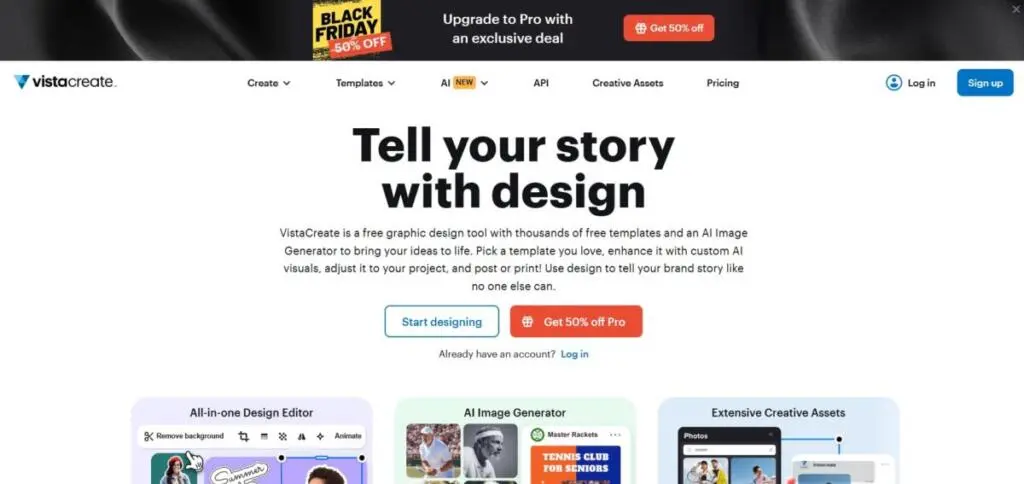
Formerly known as Crello, VistaCreate is a vibrant competitor to Canva, boasting a massive library of assets. It’s energetic, fun, and built to bring your ideas to life with powerful video capabilities.
AI Tools and Capabilities
Experience the magic of the “Remove Background” tool and leverage AI-driven design resizing to fit any social platform’s dimensions in a heartbeat.
Pros
- Vast Template Library: Choose from over 100,000 templates to spark your creativity.
- Video Powerhouse: Features strong editing tools specifically designed for trending TikToks and Reels.
- Unlimited Freedom: Enjoy unlimited storage on paid plans to keep all your masterpieces in one place.
Cons
- Performance Dips: The interface can occasionally be laggy when working on highly complex designs.
- Mobile Limitations: The mobile app doesn’t quite match the full functionality of the desktop experience.
Who is it for?
Dynamic content creators who live for video and love making their social posts move and shake with animation.
Integration
Connect directly with your audience through integrated posting to all major social networks.
Tool #8: Is PicMonkey the power player for photo editing?
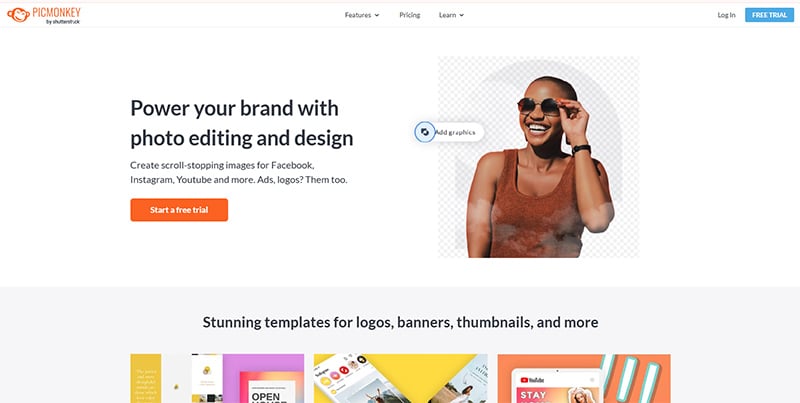
PicMonkey is a design and photo editing tool (owned by Shutterstock). It’s a powerful tool with great texturizing and effects capabilities.
AI Tools and Features
Smart resizing and background removal
Pros
- Touch up capabilities that are powerful and great for portrait photos
- Impressive texturing and effects
- Collaboration capabilities
Cons
- No free version (only trial)
- Can be expensive
Who is it for?
Lifestyle bloggers and Youtube who have thumbnails to create
Integration
Integration with Shutterstock image libraries
Tool #9: Is DesignWizard the go to video tool?
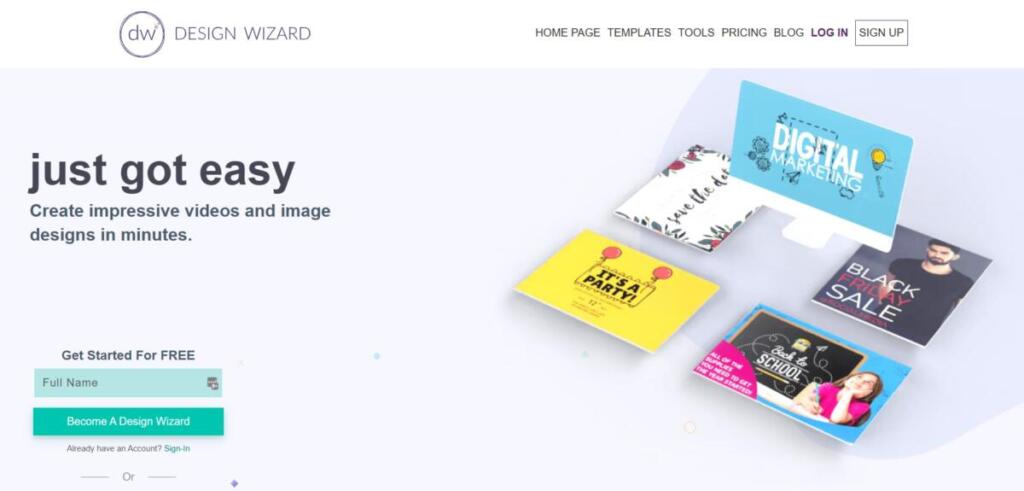
DesignWizard is geared toward video. If your content strategy includes lots of video, this is the tool for you. The video focus means you can create pro-quality video marketing assets in no time.
Who is it for?
Video marketers who want to streamline their process and create quality content without the need for complex skills
Pros
- Fantastic video templates covering a wide range of industries so users can create pro level video in no time.
- Easy to use timeline editing for added precision in editing your video
Cons
- Lacks focus on graphic design, so not the ideal platform for any video content that needs graphic design elements.
Conclusion
Finding the right tool is about matching the software to your workflow. If you want speed and AI editable layers, MolyPix.AI is a fantastic innovation.
But let’s face it sometimes the best tool is a human expert.
If you are a marketing manager juggling campaigns, budget cycles, and branding refreshes, DIY tools might just be adding to your workload. Why spend hours dragging and dropping when you could have a full team do it for you?
Penji offers unlimited graphic design and graphic design services for a flat monthly rate. It’s like having a creative agency at your fingertips but 70% more affordable. You get unlimited projects, fast turnarounds, and AI-powered efficiency—all without the headaches of hiring freelancers or learning new software.
Stop designing, start growing.
Get started with Penji today
Frequently Asked Questions
What is the best alternative to Canva?
Different users will have different ideas of the best alternative to Canva, but look for features related to intuitive AI, unlimited graphic design assets, and a pricing model that meets your budget needs.
What is Canva’s greatest weakness?
The greatest weaknesses of Canva include generic templates (everyone uses them), no advanced vector tools and high prices for users on teams.
Why do graphic designers not use Canva?
Professional graphic designers avoid Canva because it lacks precision such as vector tools, it lacks export print options, and it “locks” you into their ecosystem.
Who is the main competitor of Canva?
The main competitor in the software space is Adobe Express, whereas in the service space unlimited graphic design services such a
About the author

Je Ann Bacalso
Je Ann is a creative content writer who crafts engaging, SEO-friendly articles and web copy. With a passion for storytelling and a sharp eye for detail, she delivers clear, compelling content that connects with readers.
Table of Contents
- Why look beyond Canva?
- How did we test the best Canva alternatives?
- Tool #1: Can Fotor handle your photo editing needs?
- Tool #2: Is Piktochart the professional’s choice?
- Tool #3: Does Easil protect your brand identity?
- Tool #4: Is MolyPix.AI the future of marketing design?
- Tool #5: Can Snappa save you time on social?
- Tool #6: Is VistaCreate the new creative standard?
- Tool #8: Is PicMonkey the power player for photo editing?
- Tool #9: Is DesignWizard the go to video tool?
- Conclusion
- Frequently Asked Questions






